
Printout · Free templates
Free print templates
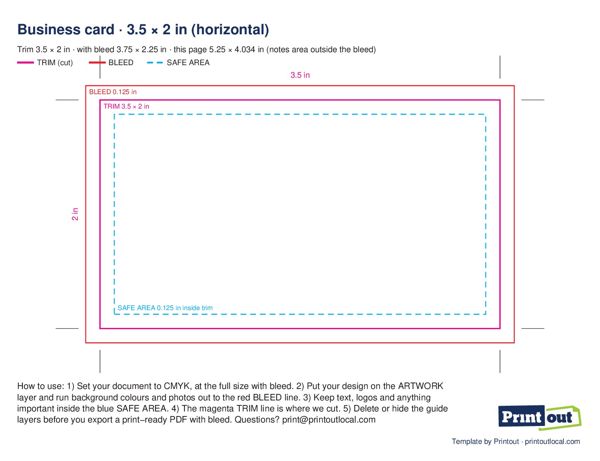
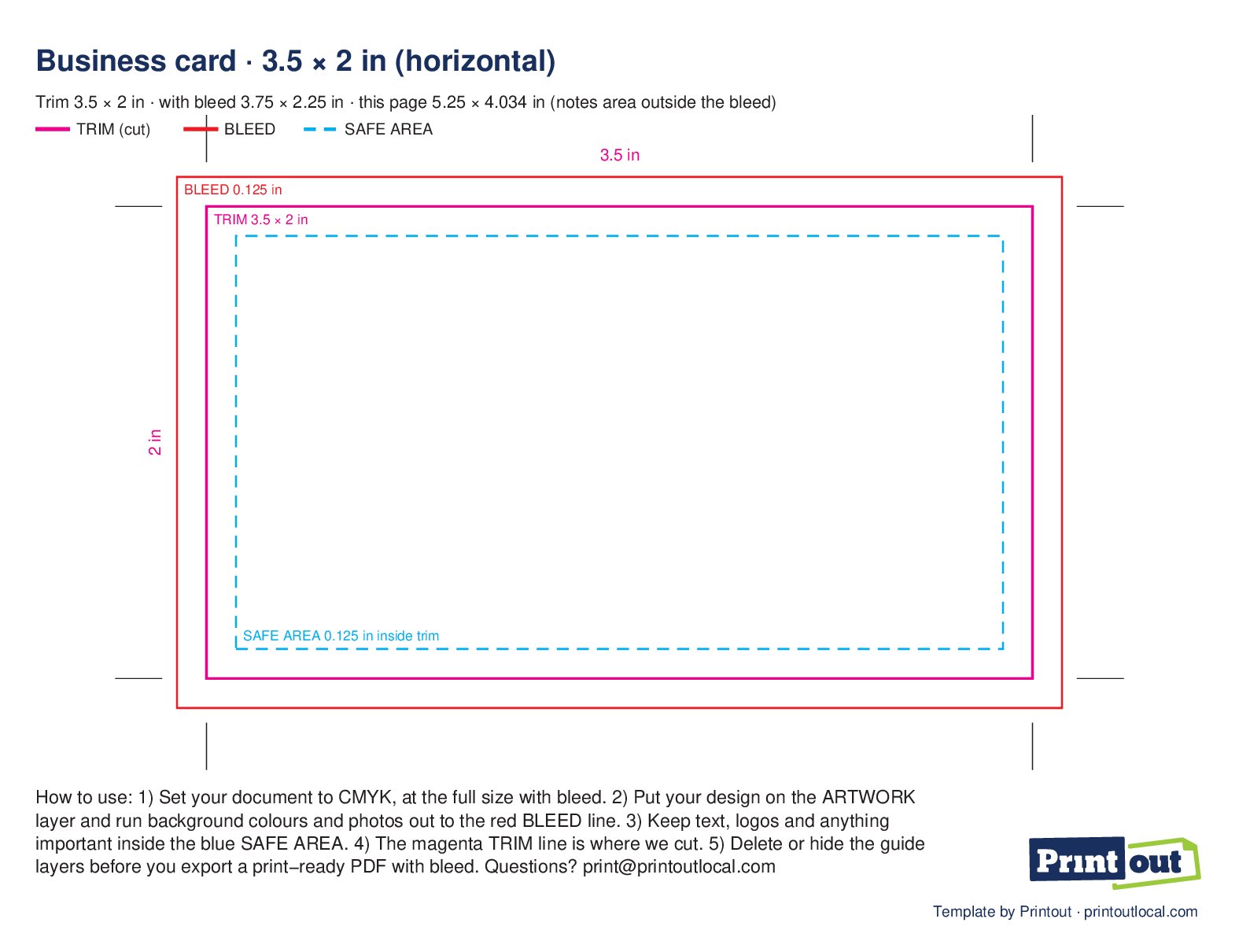
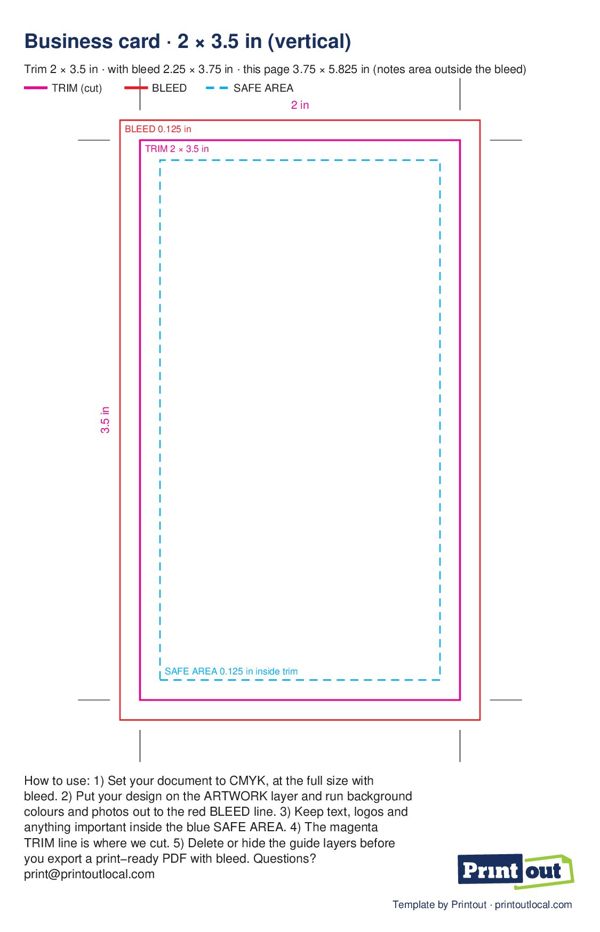
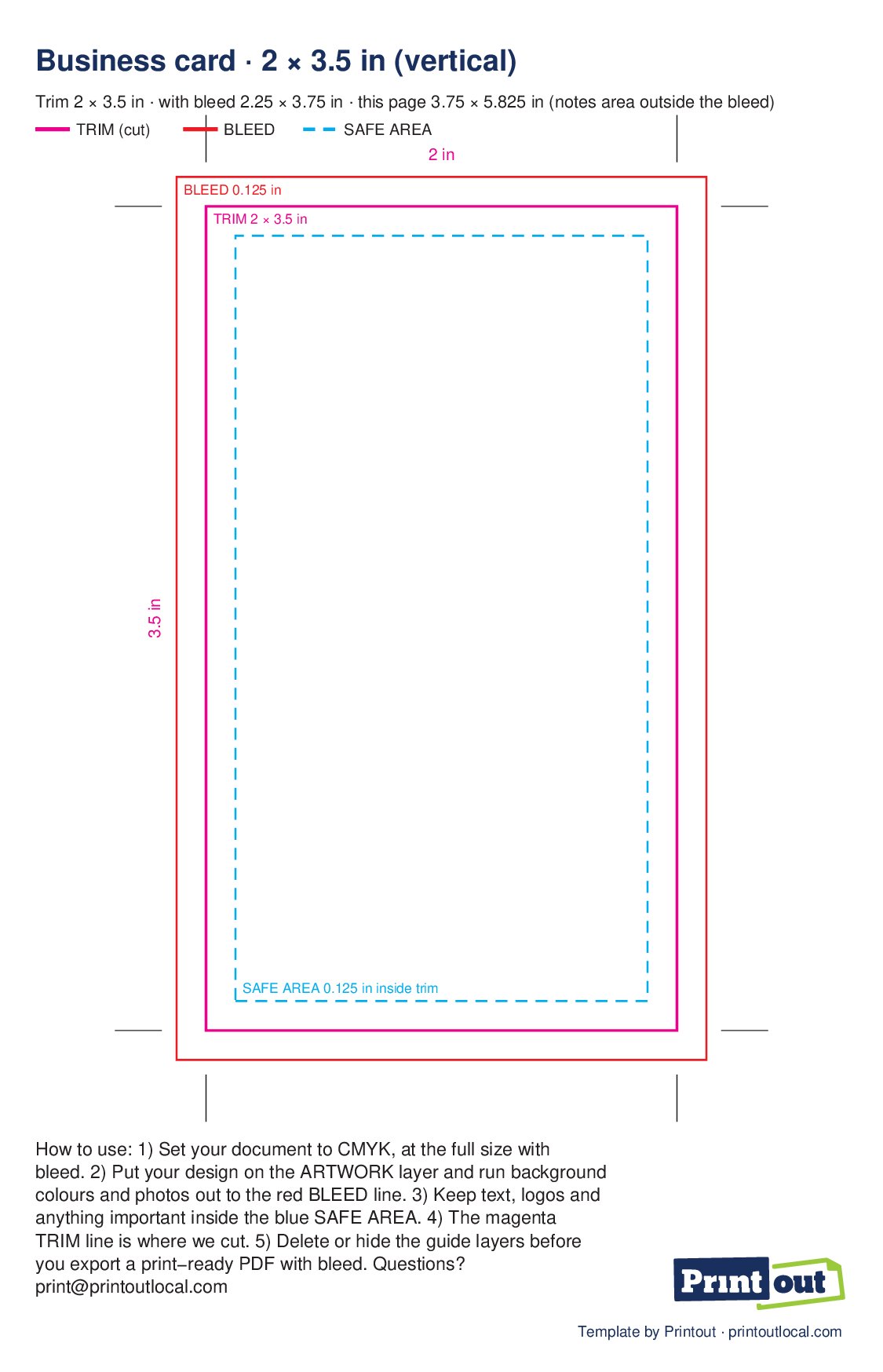
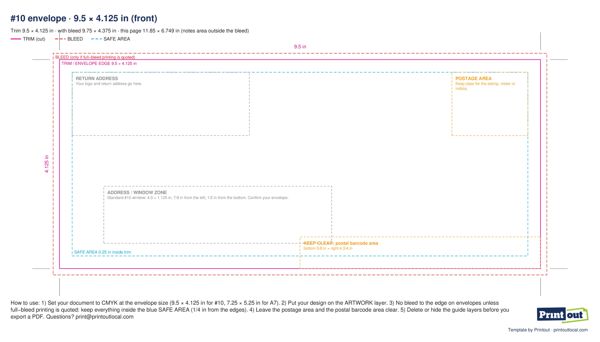
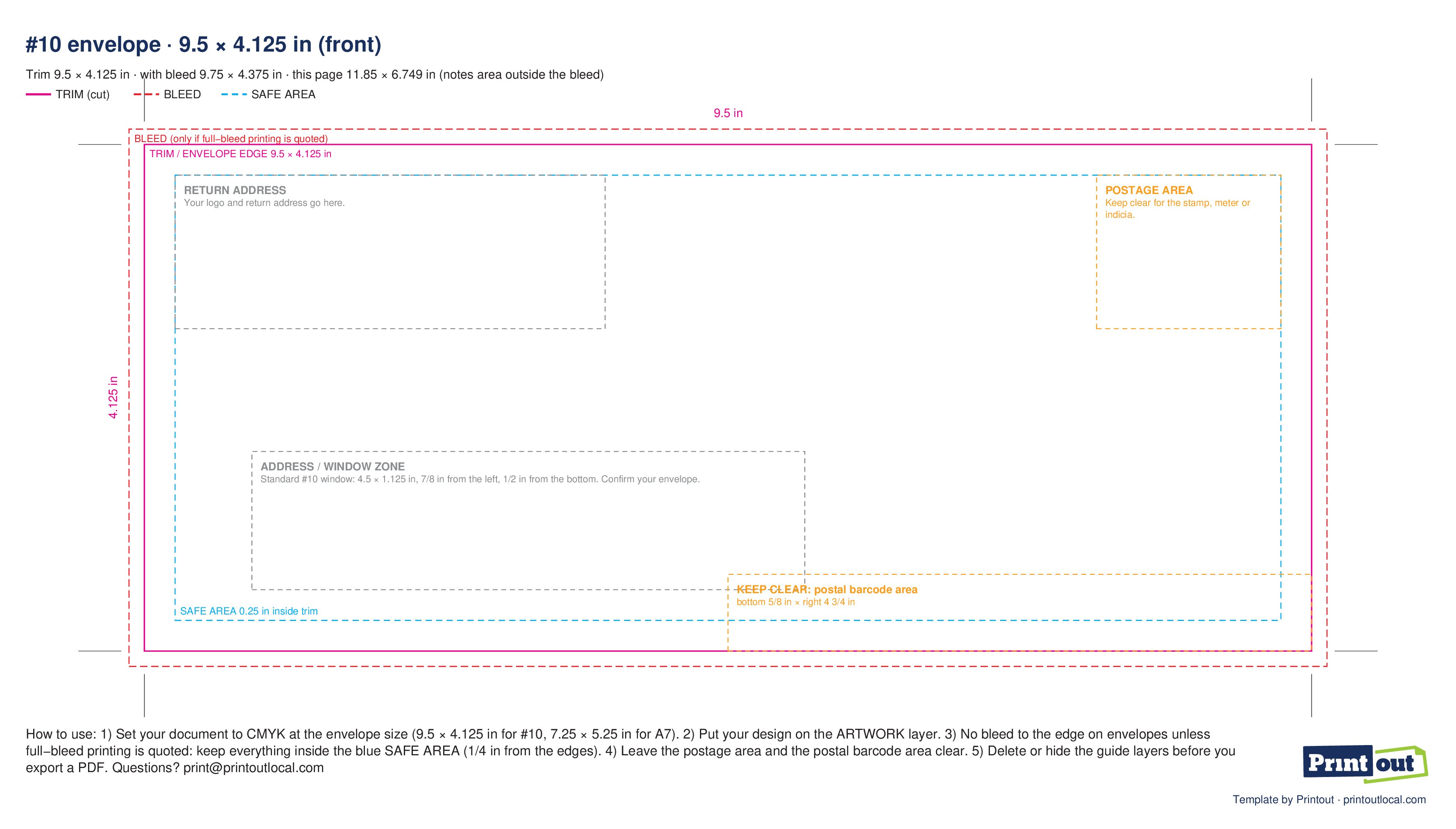
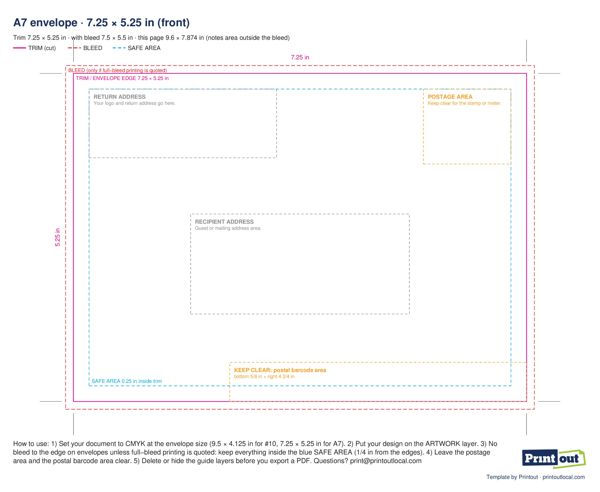
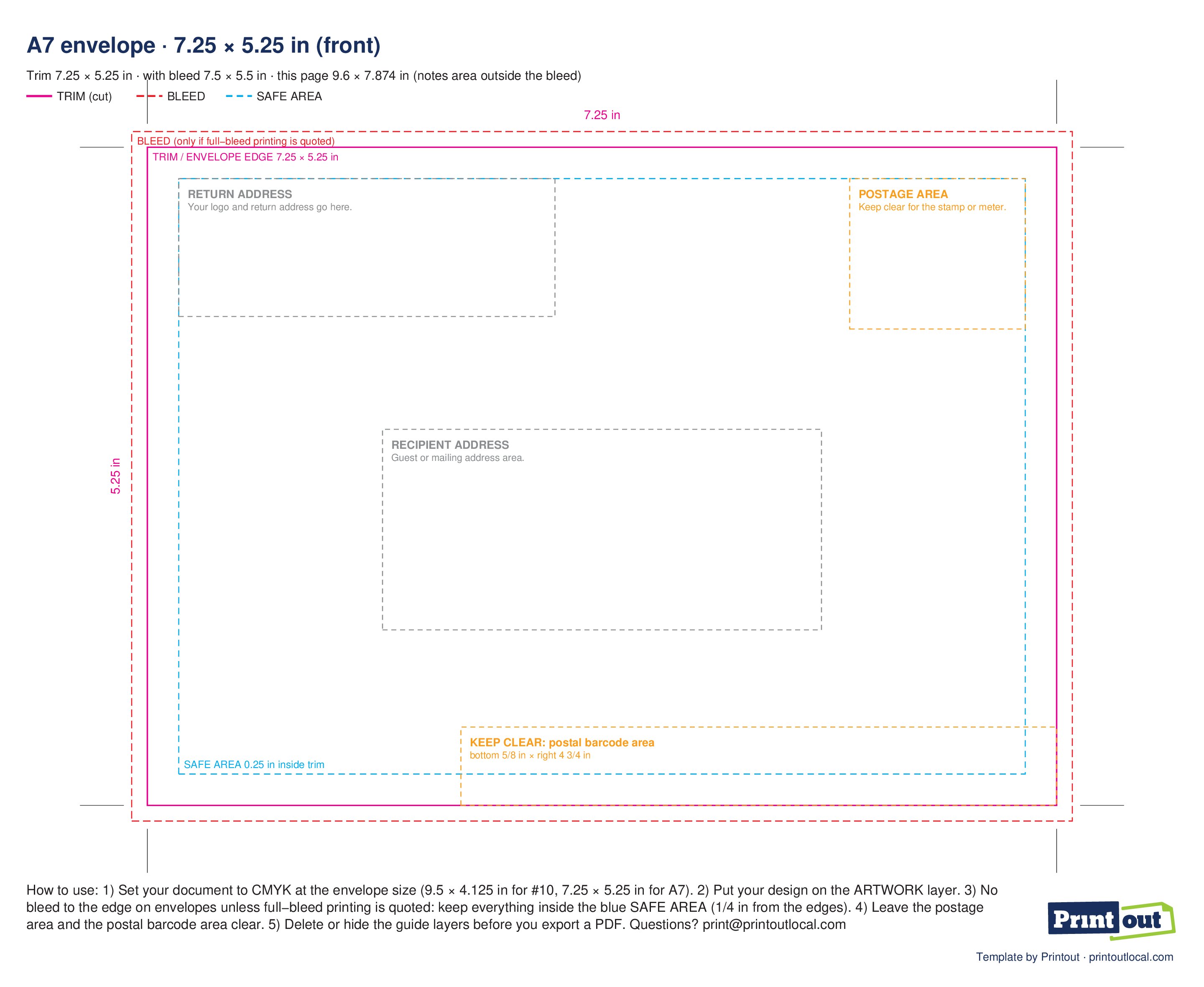
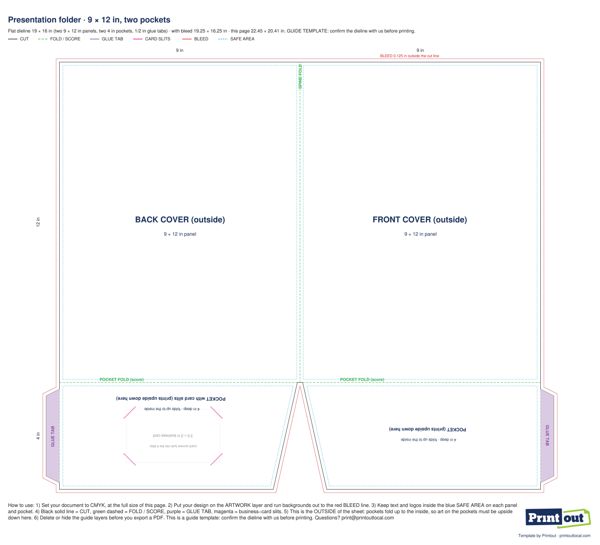
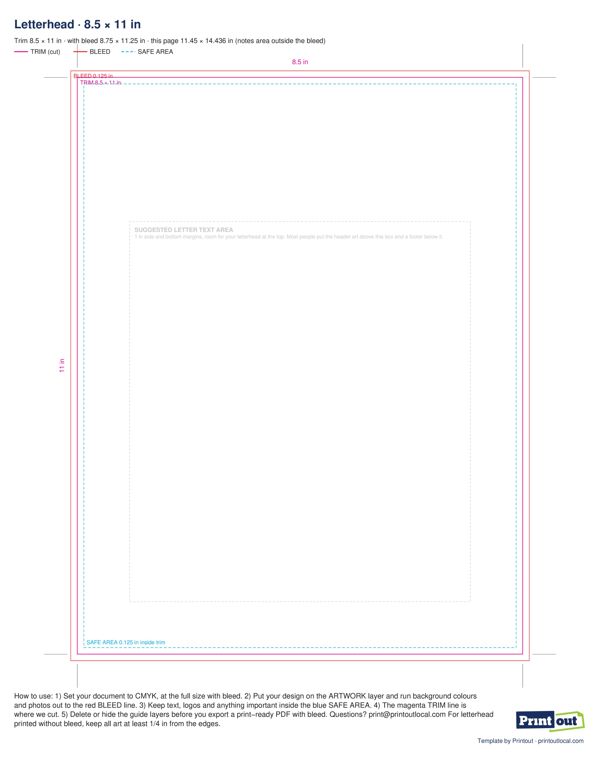
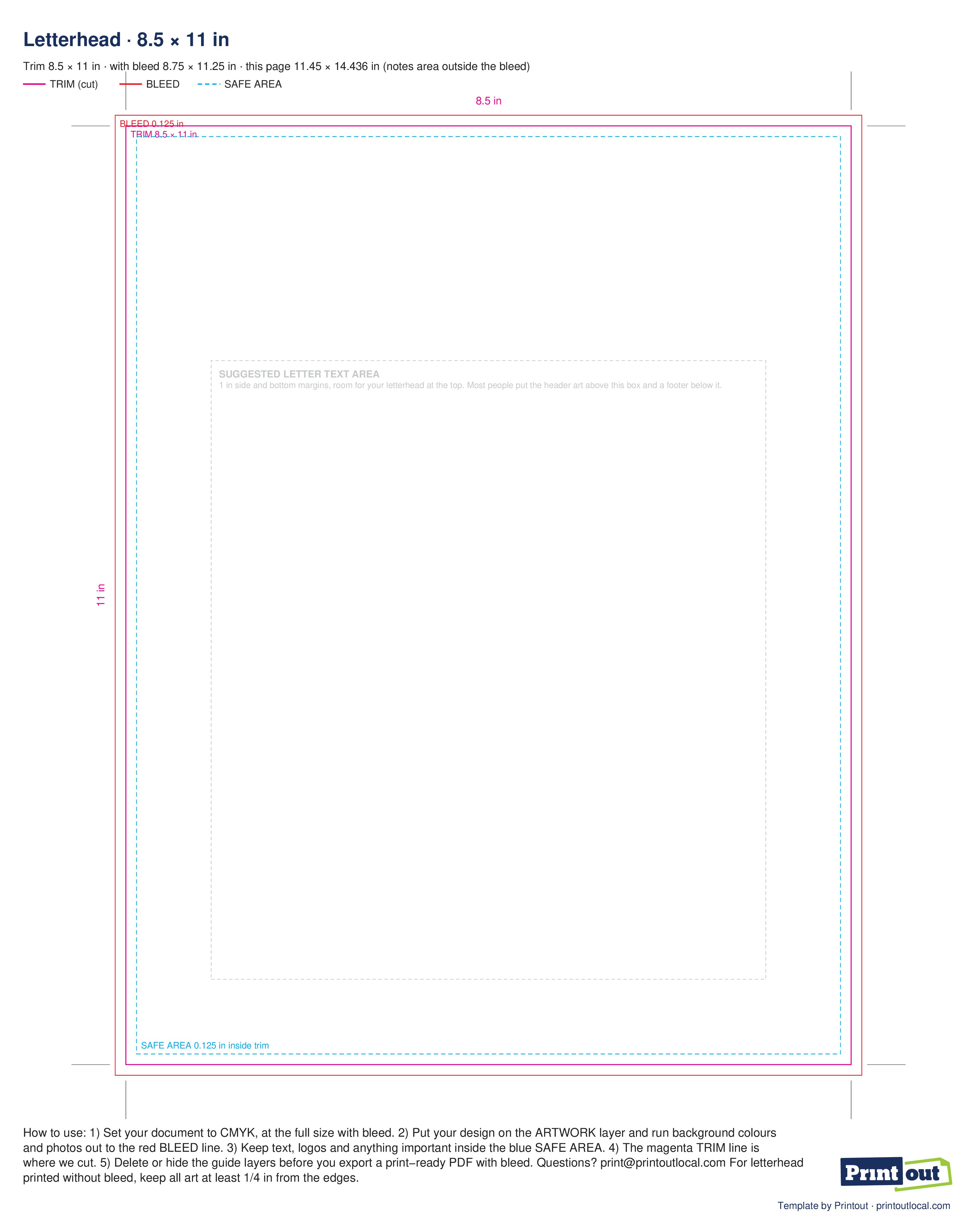
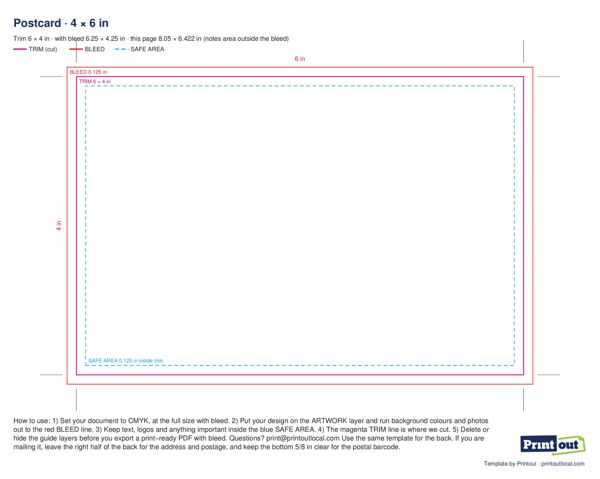
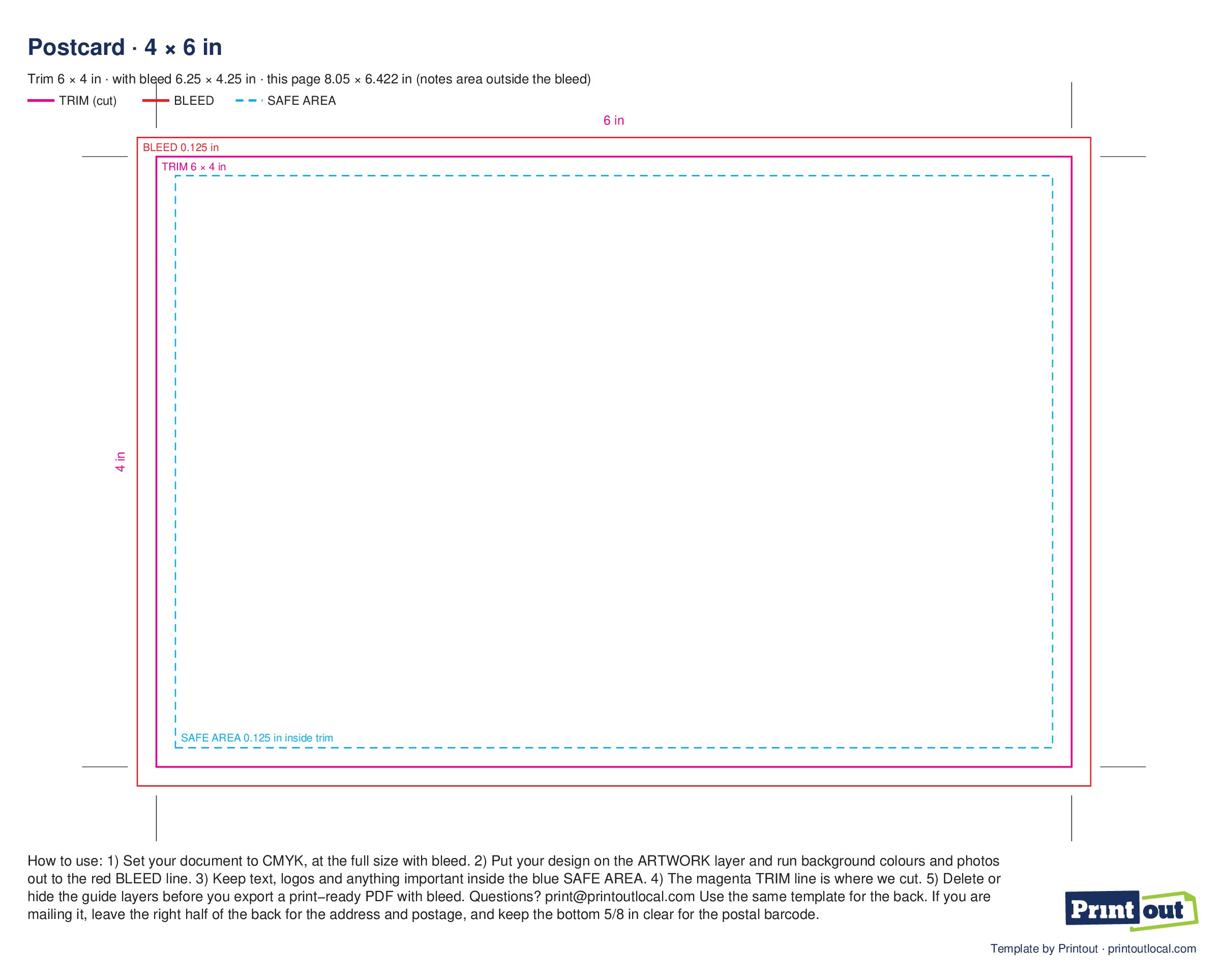
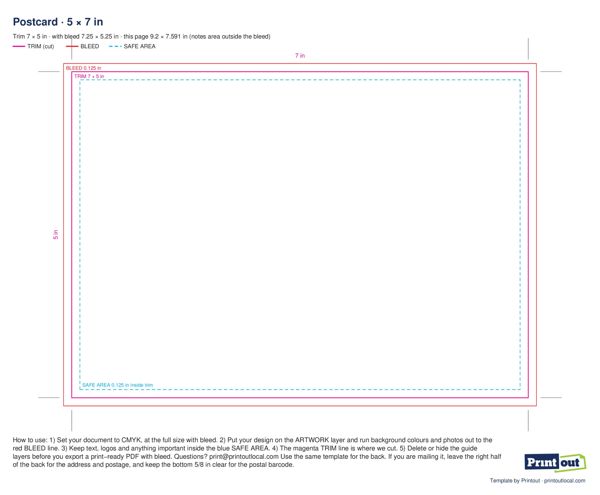
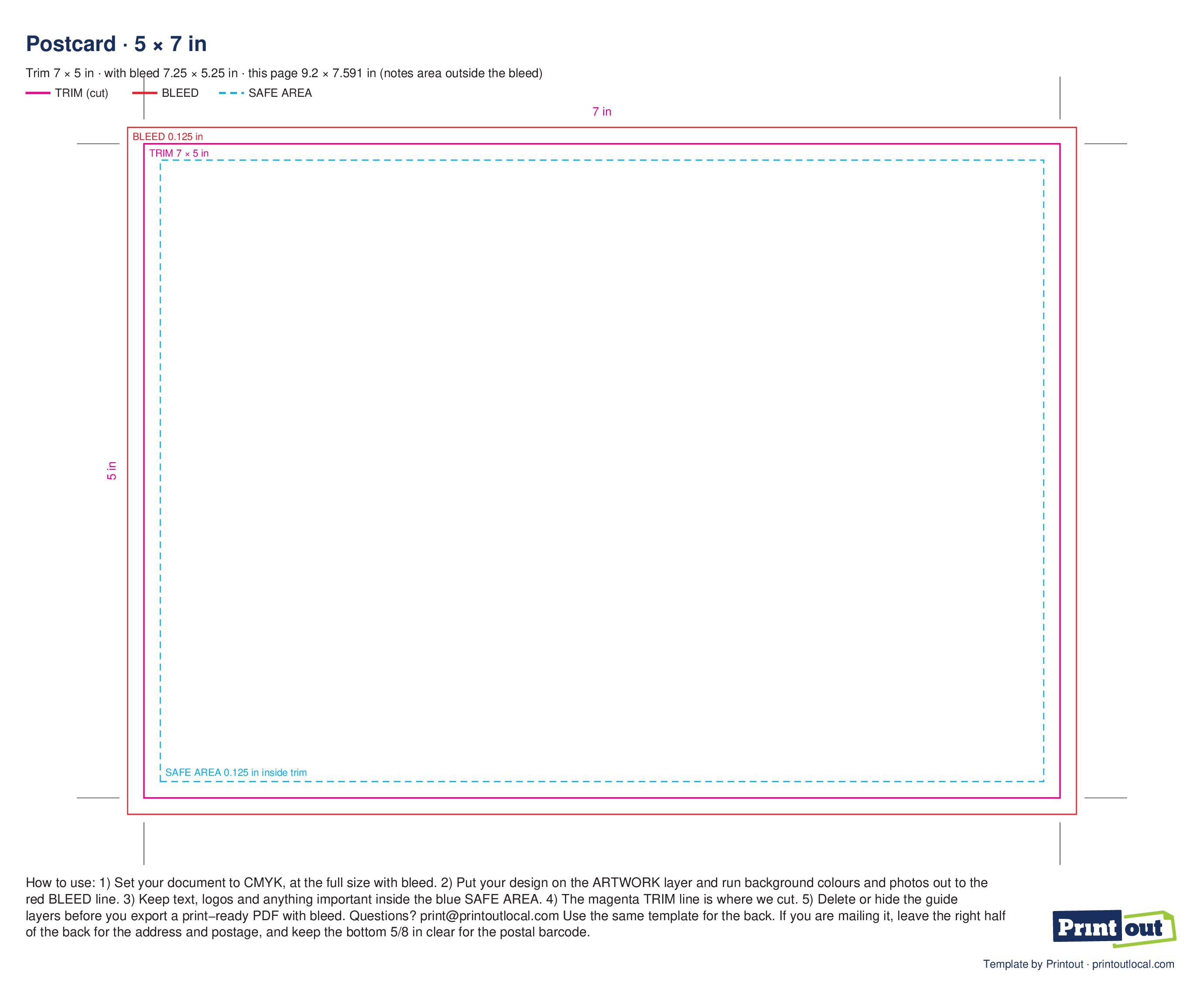
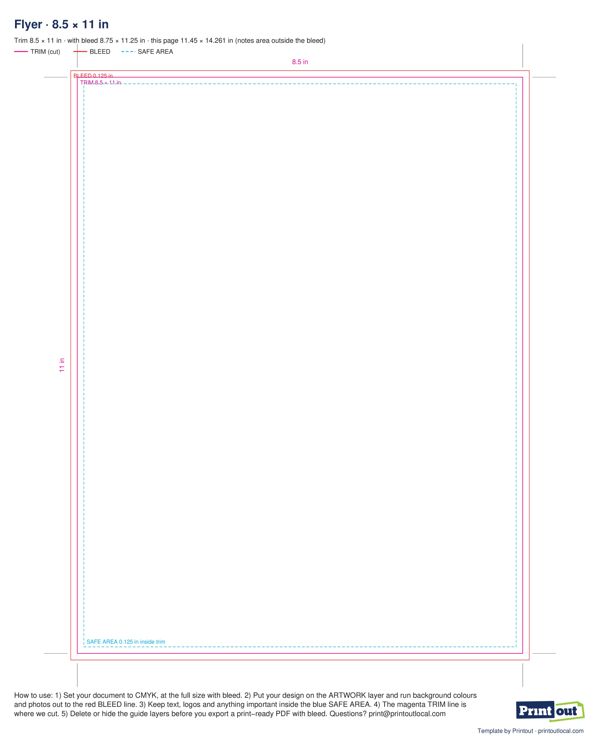
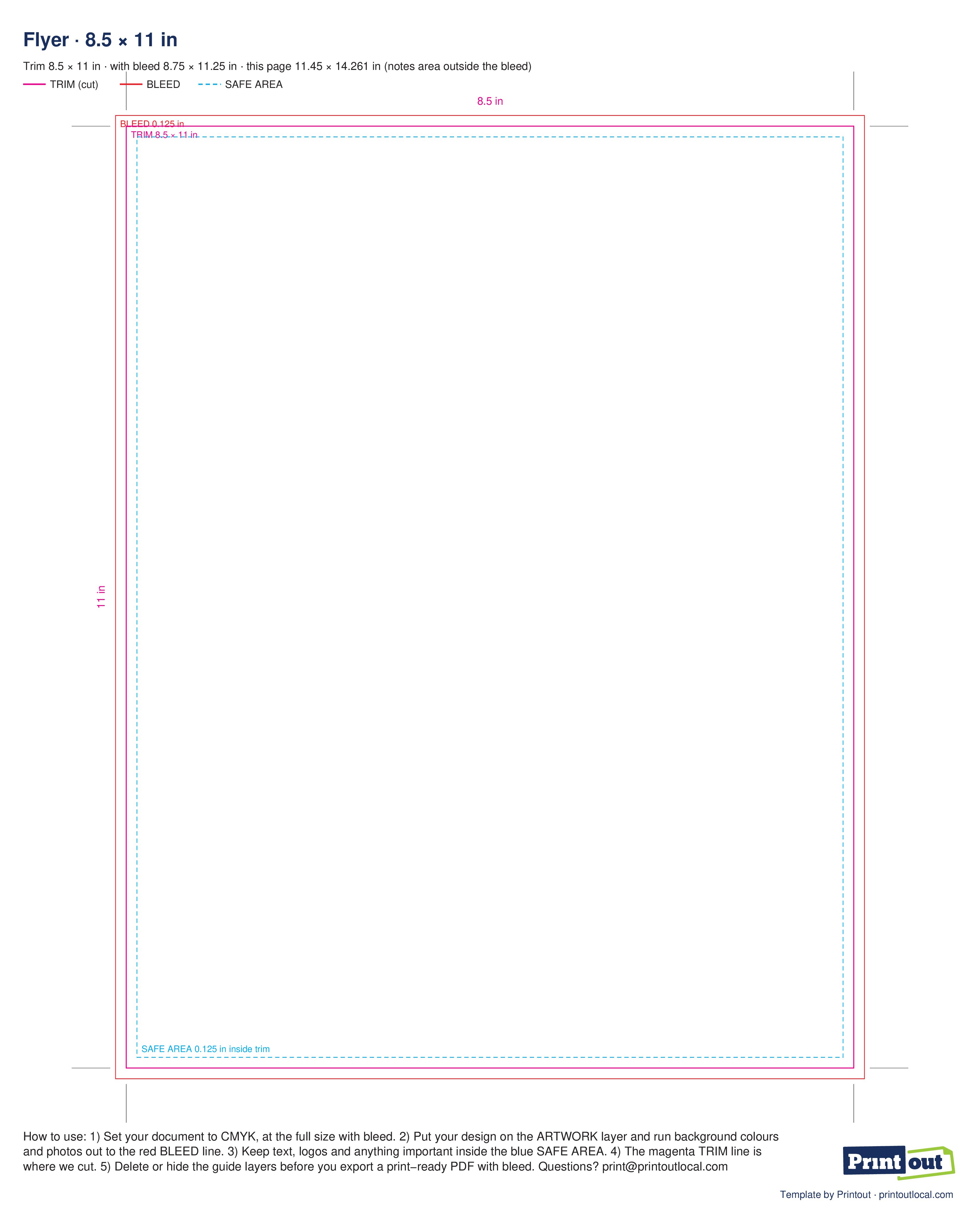
Set up your file the right way from the start. Every template is the exact print size, with the trim line, a 1/8 in bleed and the safe area marked. Download it as EPS, PDF or JPG, design on top, and send it to our Williamsburg or Monsey store.
How to use a template
- Set your document to CMYK at the full size with bleed (the size is printed on each template).
- Bleed (red line): run background colors and photos all the way out to it. It is 1/8 in (0.125 in) past the edge, and it gets trimmed off.
- Trim (magenta line): this is where we cut.
- Safe area (blue dashed line): keep text, logos and anything important inside it, 1/8 in in from the trim.
- Delete or hide the guides before you export, then save a PDF with bleed.
The PDF has each guide on its own layer. The EPS opens as clean vector art in Illustrator, InDesign, CorelDRAW and Affinity. The JPG is an RGB preview at 300 dpi, handy for Canva or Word. New to this? Read what bleed is.
Download a template
Need help with your file?
Send us what you have, even a rough idea. We'll check the bleed, the colors and the fonts, and fix what needs fixing before it prints.